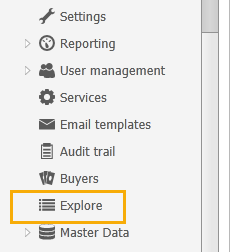
Select Explore in the menu list on the left. You will be presented with the list of invoices.
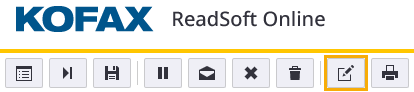
Open the invoice by clicking the View in ReadSoft Online Office button.

Click Delete to delete the invoice.

How can I ask for interpretation improvements for a specific invoice in ReadSoft Online?
If you are not satisfied with how an invoice was interpreted, click the Send feedback about Verify button.
In the Feedback window, specify your problem by clicking one of the problem categories and describing your issue in the text box. Click OK to send your feedback.
Note that you must complete the invoice verification for your feedback to be useful.
Kofax might add a comment to your feedback. To view the comment, contact Medius support. Medius support team members are able to view the comment through specific administration pages.
Was this article helpful?
That’s Great!
Thank you for your feedback
Sorry! We couldn't be helpful
Thank you for your feedback
Feedback sent
We appreciate your effort and will try to fix the article