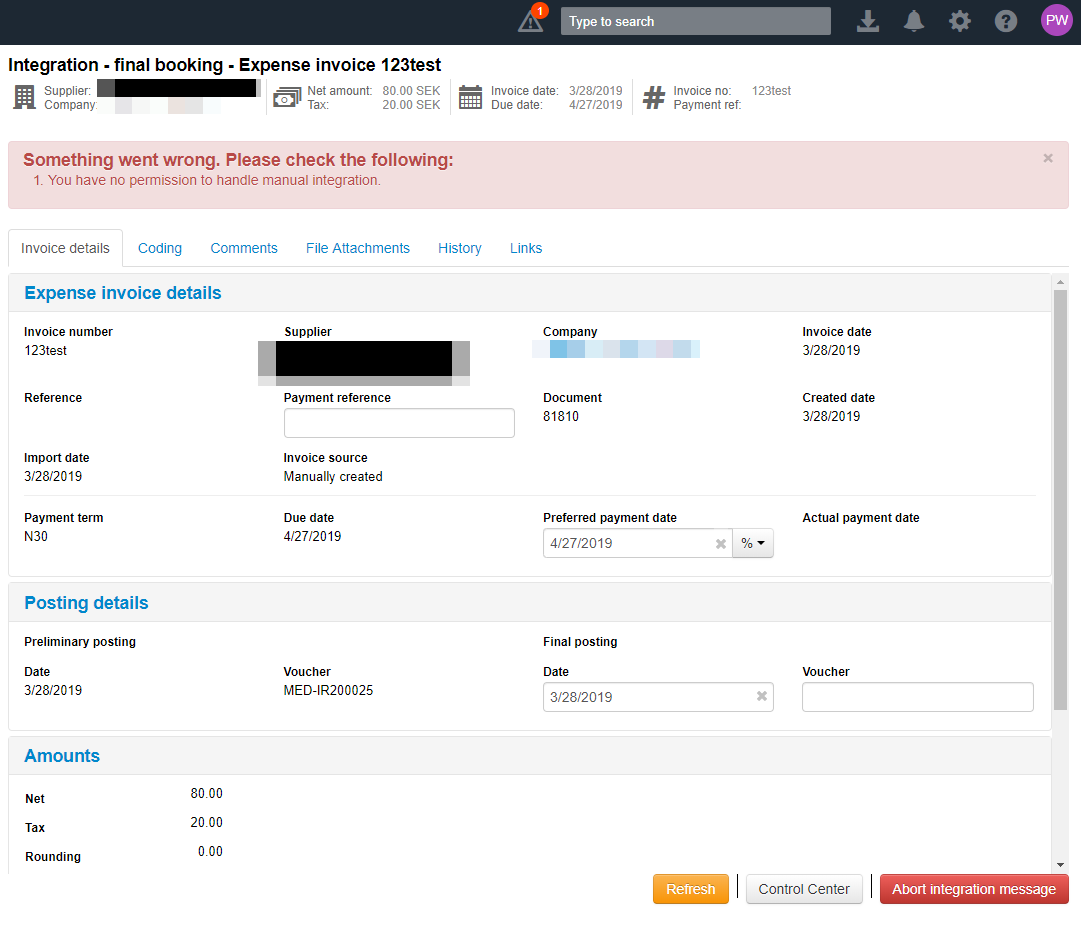
It is possible for an invoice to get stuck in the integration step while waiting for the voucher response from the ERP system. You can abort the booking by clicking Abort integration message. You can then, for example, post the booking again or invalidate the invoice.
To do this you need the Integration queue handler role assigned to your user account. Otherwise you will receive an error message stating that you do not have permission to handle manual integration. Add this role on the company (or any parent company) the invoice belongs to and you will be able to abort the booking and process the invoice further.
To read more about the roles available in MediusFlow, see Role.
To read more about Integration error and invoices stuck in the integration step, see Integration error.
Was this article helpful?
That’s Great!
Thank you for your feedback
Sorry! We couldn't be helpful
Thank you for your feedback
Feedback sent
We appreciate your effort and will try to fix the article